At first, the school has only one classroom and a few students.
Everything is easy to manage.
A picture-book story about computers
Imagine a very busy school.
At first, the school has only one classroom and a few students.
Everything is easy to manage.
But over time, more students join.
Soon, one classroom is no longer enough.
The school opens more classrooms.
Then it adds more buildings.
Now the school has a new problem.
Managing everything by hand would be difficult.
The school needs someone who can organise the classrooms, watch what is happening, and fix problems when they appear.
That person is the school principal.
In our computer story, the principal is called Kubernetes.
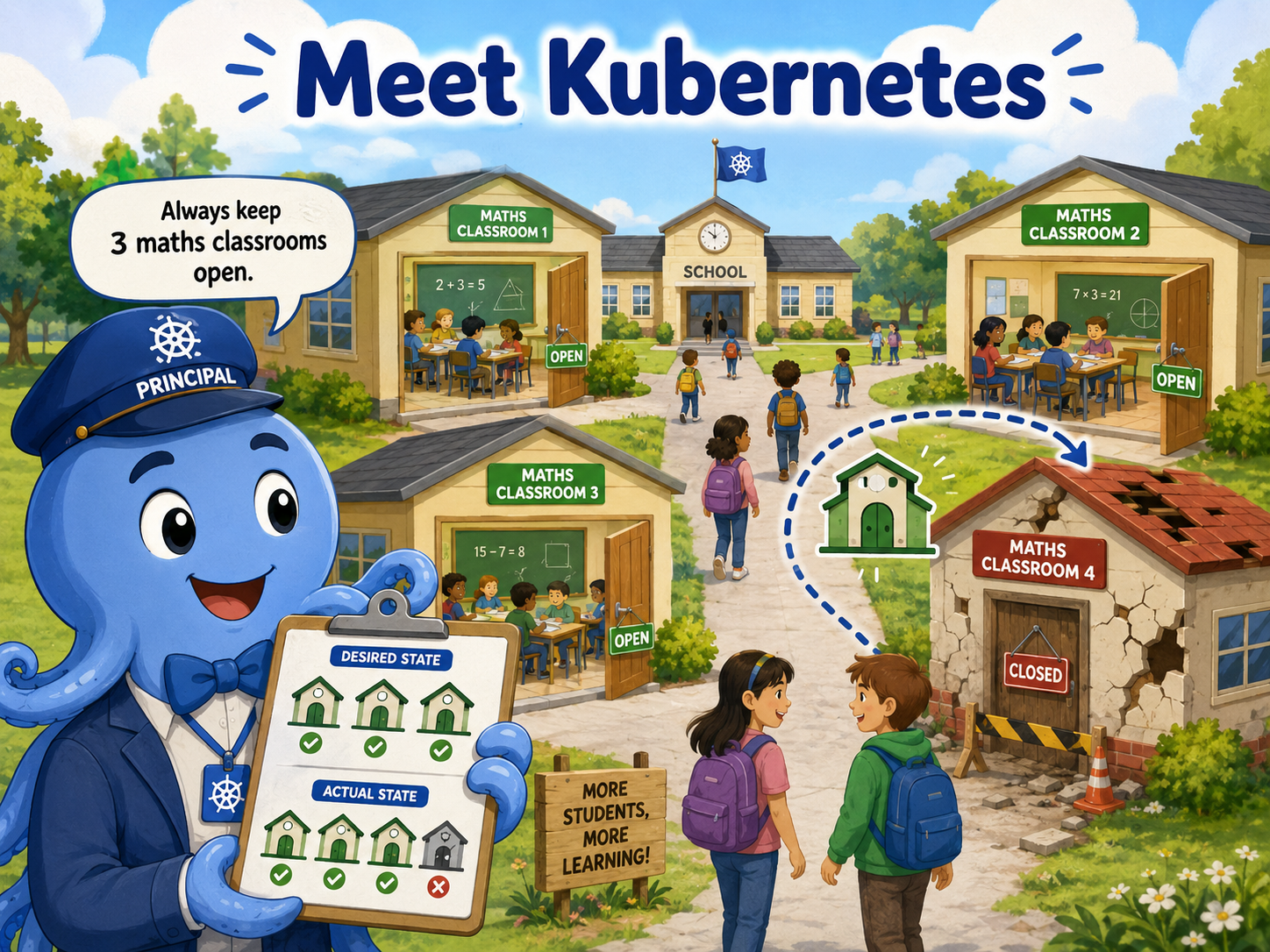
Kubernetes manages applications in a similar way to how a principal manages a school.
You tell Kubernetes how you want things to run.
For example, you might say:
“Always keep three maths classrooms open.”
Kubernetes checks the school.
If three maths classrooms are open, everything is fine.
But suppose one classroom suddenly closes.
Now only two maths classrooms are running.
Kubernetes notices that something has changed.
You asked for three classrooms, but only two are actually open.
So Kubernetes works to open another classroom.
Soon, there are three again.
Kubernetes keeps checking the school again and again.
It compares two things:
What you asked for.
What is actually happening.
We can call these the desired state and the actual state.
The desired state is how you want things to be.
The actual state is how things really are right now.
For example:
Three maths classrooms should be open.
Only two maths classrooms are open.
Kubernetes sees the difference and tries to fix it.
Once another classroom is opened:
Three maths classrooms.
Three maths classrooms.
Everything matches again.
This is one of the most important ideas in Kubernetes.
You do not have to stand there all day checking every classroom yourself.
Instead, you describe how you want things to be.
Kubernetes keeps watching and works to keep things that way.
And our digital school is only getting started.